You bought the standing desk because sitting all day was wrecking your back, and for the first week it felt like a fix. Then the novelty wore off and new aches crept in — a sore lower back by the afternoon, tired feet, a neck that still drifts toward the screen. Standing turned out not to be automatically better than sitting. It's only better if the setup is right, and most aren't.
Standing desk ergonomics come down to a few measurements and a couple of habits. Get the height wrong and you trade one set of problems for another. Get it right and the desk does what you hoped: it gives your spine a break from being folded into a chair for eight hours. Here's how to dial it in, in the order that matters.
Why standing isn't automatically better
Standing isn't a cure for desk pain — it's a different position. The benefit isn't standing itself; it's *changing* position, getting out of the one shape your body's been stuck in. A poorly set-up standing desk just locks you into a new bad shape: hips pushed forward, lower back overarched, head still craned at a screen that's too low.
The lower back complaints that drive people to standing desks often follow them there if the height and posture are off. That's worth understanding before you blame the desk — the issue is usually setup, not standing, and the difference is covered in standing desk and lower back pain. This guide is the how-to: the heights and angles that make standing actually help.
Get the desk height right
This is the measurement everything else hangs on.
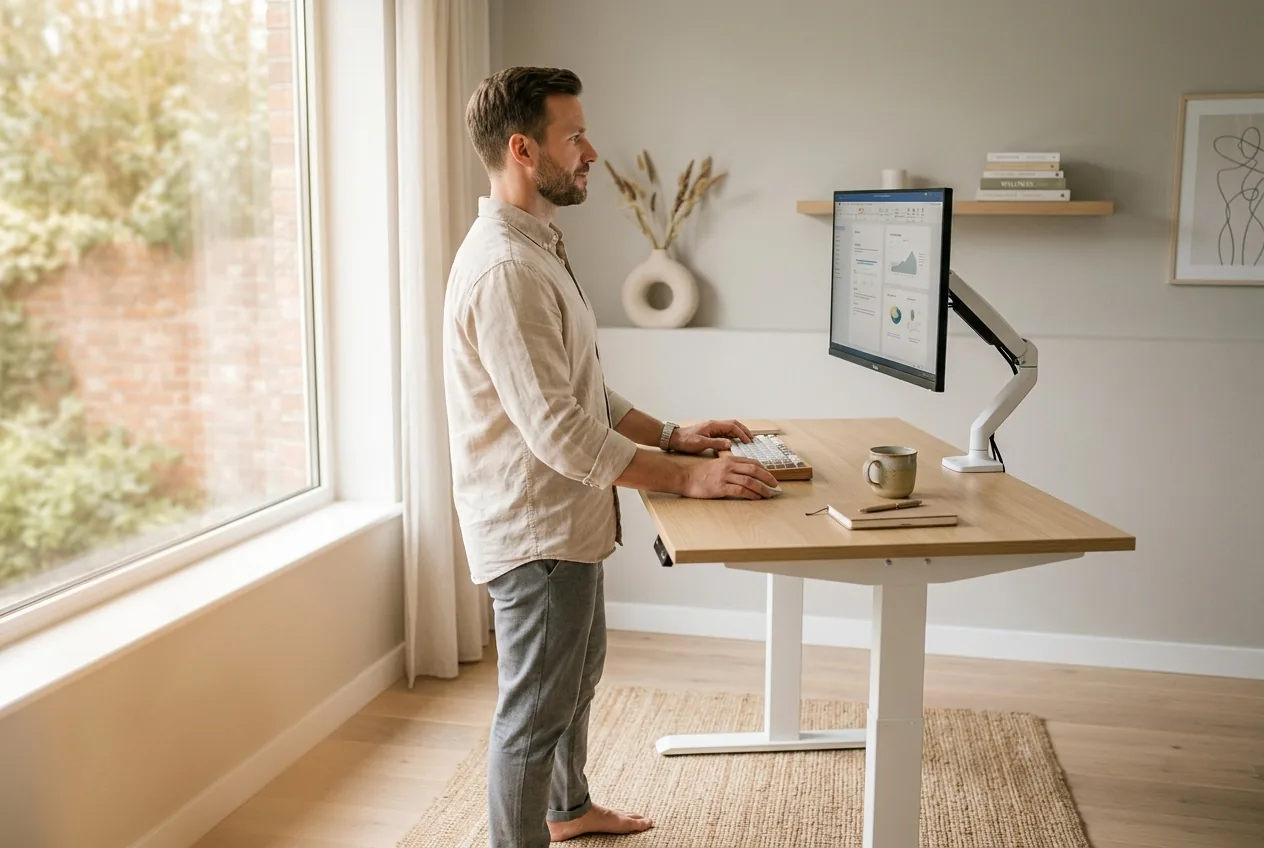
- Set the surface to elbow height. Stand tall, shoulders relaxed, upper arms hanging straight down, elbows bent to about 90 degrees. The desk surface — specifically your keyboard and mouse — should sit right at that elbow height. Your forearms run roughly parallel to the floor when you type.
- Check your wrists. With the desk at the right height, your wrists stay straight and neutral, not bent up to reach the keys or dropped down. If they bend, the surface is too high or too low.
- Drop your shoulders. A desk set too high makes you hunch your shoulders up toward your ears all day — a fast route to upper-back and neck tightness. If your shoulders creep up, lower the desk.
A surface too high forces shrugged shoulders and bent wrists; too low forces you to hunch down toward it. Elbow height is the anchor.
Position the monitor
With the keyboard sorted, the screen is next, and it's the piece most people get wrong on a standing desk.
- Top of the screen at or just below eye level. Your eyes should land on the upper third of the screen when looking straight ahead. Too low and your head tilts down, dragging it forward and loading the neck — the very pattern behind forward head posture.
- An arm's length away. Roughly an arm's reach from your face, so you're not leaning in to read.
- Laptop users, take note. A laptop can't do both: if the keyboard is at elbow height, the screen is far too low. Use a separate keyboard and mouse and raise the laptop on a stand, or add an external monitor. This single fix solves most standing-desk neck pain.
The desk height saves your shoulders and wrists. The monitor height saves your neck. Both have to be right, and they're set separately.
Stand the right way
The setup is half of it; how you hold yourself is the other half.
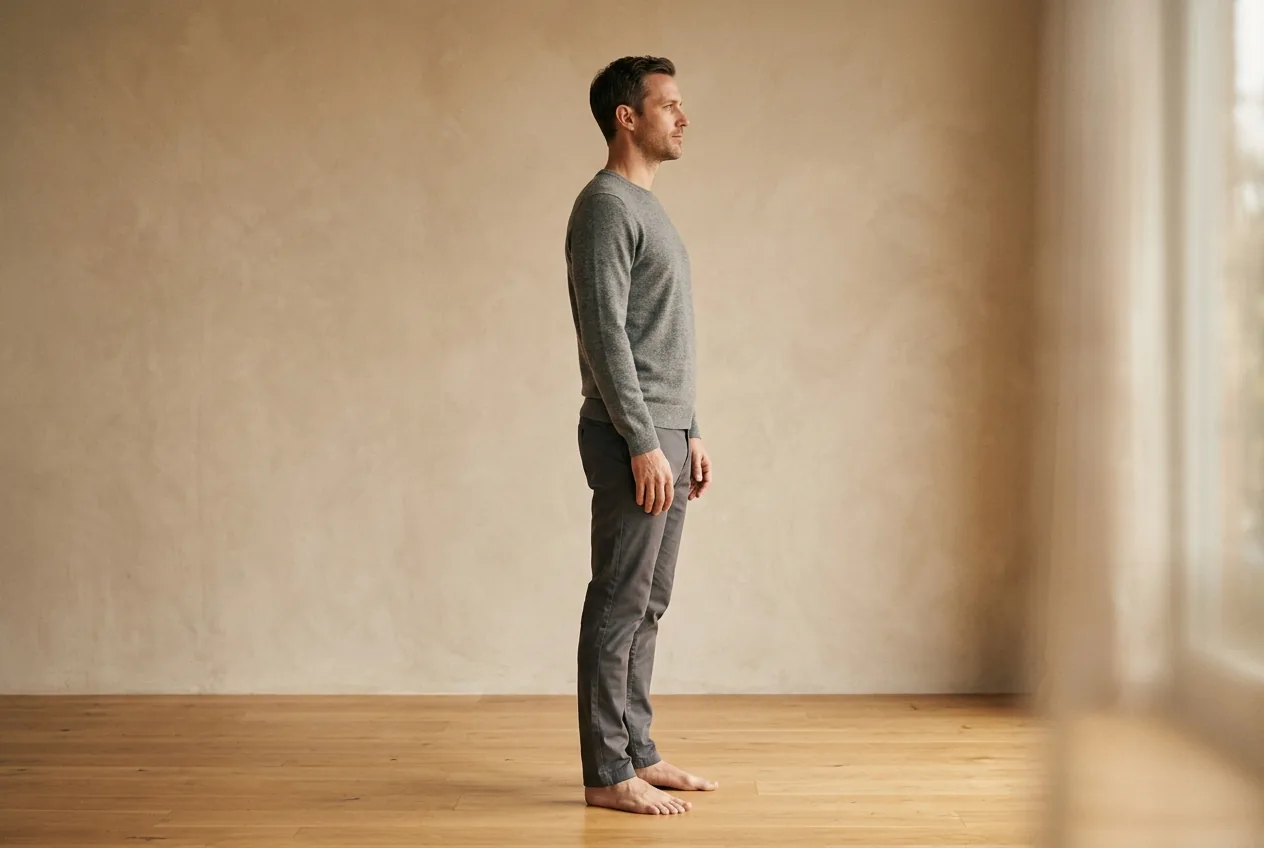
- Stack, don't lean. Aim to stack ears over shoulders over hips over ankles. The common mistake is pushing the hips forward and leaning back, which overarches the lower back and is a big source of the afternoon ache. Keep the hips under you.
- Soft knees. Don't lock them straight. A micro-bend keeps you from stiffening into one rigid posture.
- Weight through the whole foot, not rocked onto the heels or the balls. A supportive shoe or an anti-fatigue mat takes the edge off hard floors.
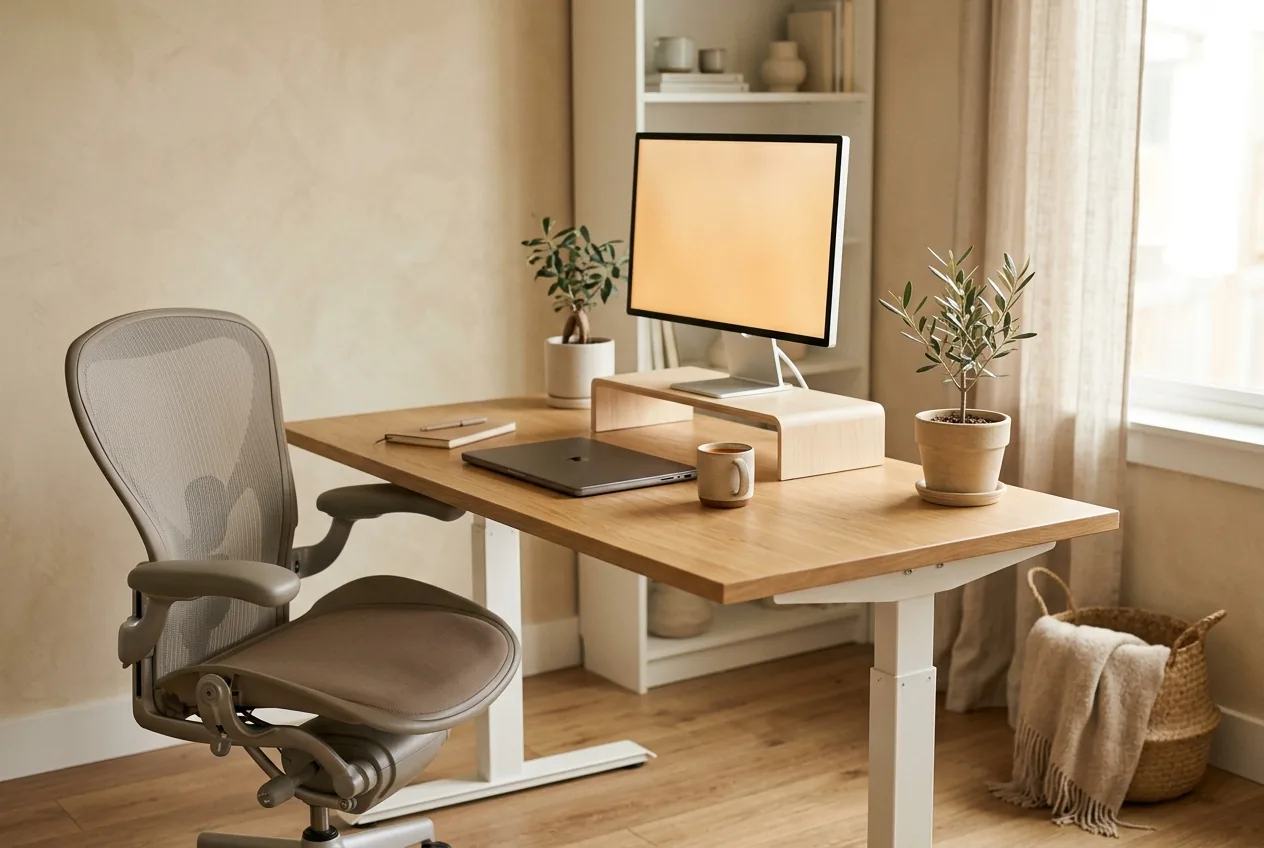
- Don't stand all day. This is the real key. Standing rigidly for eight hours is as hard on the back as sitting for eight. Alternate — roughly 20 to 30 minutes standing, then sit for a while, then back up. The win is the change, not the standing.
What to stop doing
- Setting it and forgetting it. A desk locked at one height that you never sit at just swaps a sitting problem for a standing one.
- Leaning a hip on the desk or shifting all your weight to one leg for long stretches — it twists the pelvis and loads one side.
- Ignoring the screen because the desk feels right. A perfect desk height with a low laptop screen still wrecks your neck.
For the seated half of your day, the same care applies to chair and screen — the ergonomic desk setup for back pain guide covers that side.
When to see a doctor
Setup aches usually ease once the height and habits are fixed. See a clinician promptly if back or neck pain comes with numbness, tingling, or weakness spreading into a leg or arm; if it follows a fall; if it comes with a fever; or if it's severe and steadily worsening rather than settling once you adjust the desk. Those aren't simple setup problems.
Why the perfect setup still isn't enough for some
A correct standing desk removes the obvious mechanical strains — the shrugged shoulders, the craned neck, the overarched back. For a lot of people, that's enough. But if pain hangs on even after the height is dialed in and you're alternating sit and stand, the standing position is usually exposing an underlying postural pattern, not creating one.
Standing makes your alignment honest: if your pelvis tends to tip forward or your head sits ahead of your shoulders, standing all day reveals it. The fix then isn't another desk tweak — it's addressing the pattern itself, and which pattern you have is specific to you. A posture assessment measures where your alignment actually sits and builds a routine around it. If a well-set desk still leaves you aching, it's worth seeing how a posture-based method works from your real alignment rather than buying more equipment.
Elbow-height surface, eye-level screen, hips stacked under you, and regular changes between sitting and standing — get those right and the desk finally earns its keep.
Common questions
What height should a standing desk be?
Set the surface so your keyboard and mouse sit at elbow height: stand tall with shoulders relaxed, elbows bent to about 90 degrees, and the desk should meet your hands there with forearms parallel to the floor. Your wrists stay straight and your shoulders relaxed, not shrugged. This elbow-height measurement is the anchor for the whole setup.
Where should my monitor be on a standing desk?
The top of the screen should sit at or just below eye level, about an arm's length away, so your eyes land on the upper third when looking straight ahead. A laptop alone can't manage this and the keyboard height at once — use a separate keyboard and raise the screen, or add an external monitor, to keep your head from craning down.
Is a standing desk actually better for your back?
Only if it's set up well and you alternate between sitting and standing. The benefit comes from changing position, not from standing itself. A poorly adjusted standing desk — too high, too low, or used rigidly all day — can cause as much trouble as sitting, including lower-back ache and neck strain.
How long should I stand at a standing desk?
Roughly 20 to 30 minutes at a stretch, then sit for a while, then return to standing. Standing rigidly all day strains the back as much as sitting all day. The aim is regular changes of position rather than maximizing standing time, so let the desk move with you through the day.